The system was working. Articles were good. But every time I opened the final Markdown, I saw the same thing: a wall of text. This is Part 3 — where I added image generation, discovered bugs that had been hiding since Day 1, and learned that pipeline debt compounds faster than you'd think.
The Gap I Kept Ignoring
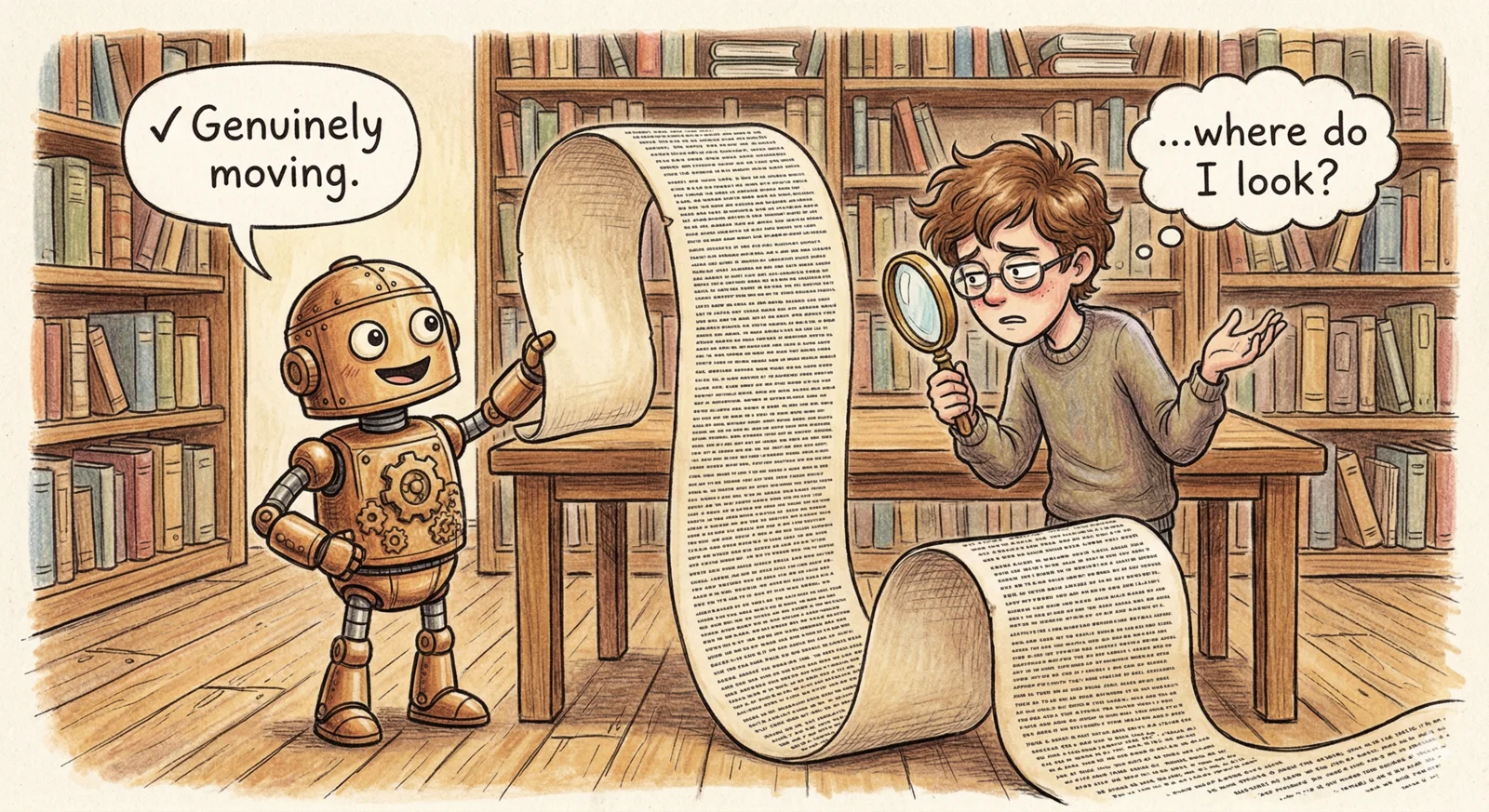
Every article the system produced was good. Sometimes really good. But every time I opened the final Markdown file, I noticed the same thing: a wall of text.
That's fine for a draft. It's not fine for something you'd actually publish. Real articles have images — a hero shot that sets the mood, a few visuals that break up the reading experience and anchor the reader in specific moments. I'd listed "Image Suggester" as a future enhancement in the original design and promptly forgotten about it.
Then I ran the pipeline on a piece about why cats and dogs are humanity's best friends, and the output was genuinely moving — and still just a wall of text. That was the push I needed.
The Design: One More Agent, Two New Phases
The image pipeline had to integrate cleanly with what already existed. I didn't want to redesign the orchestrator — I wanted to slot new phases between Harmonization and Export.
The new flow:
The key design constraint: existing articles should be unaffected. If you don't pass --main-image or --content-images, none of this runs. The entire image phase is opt-in.
1# Before (unchanged)
2agentic-writer run "topic" --words 2000
3
4# After (opt-in)
5agentic-writer run "topic" --words 2000 --main-image --content-images 3
The Image Planner Agent
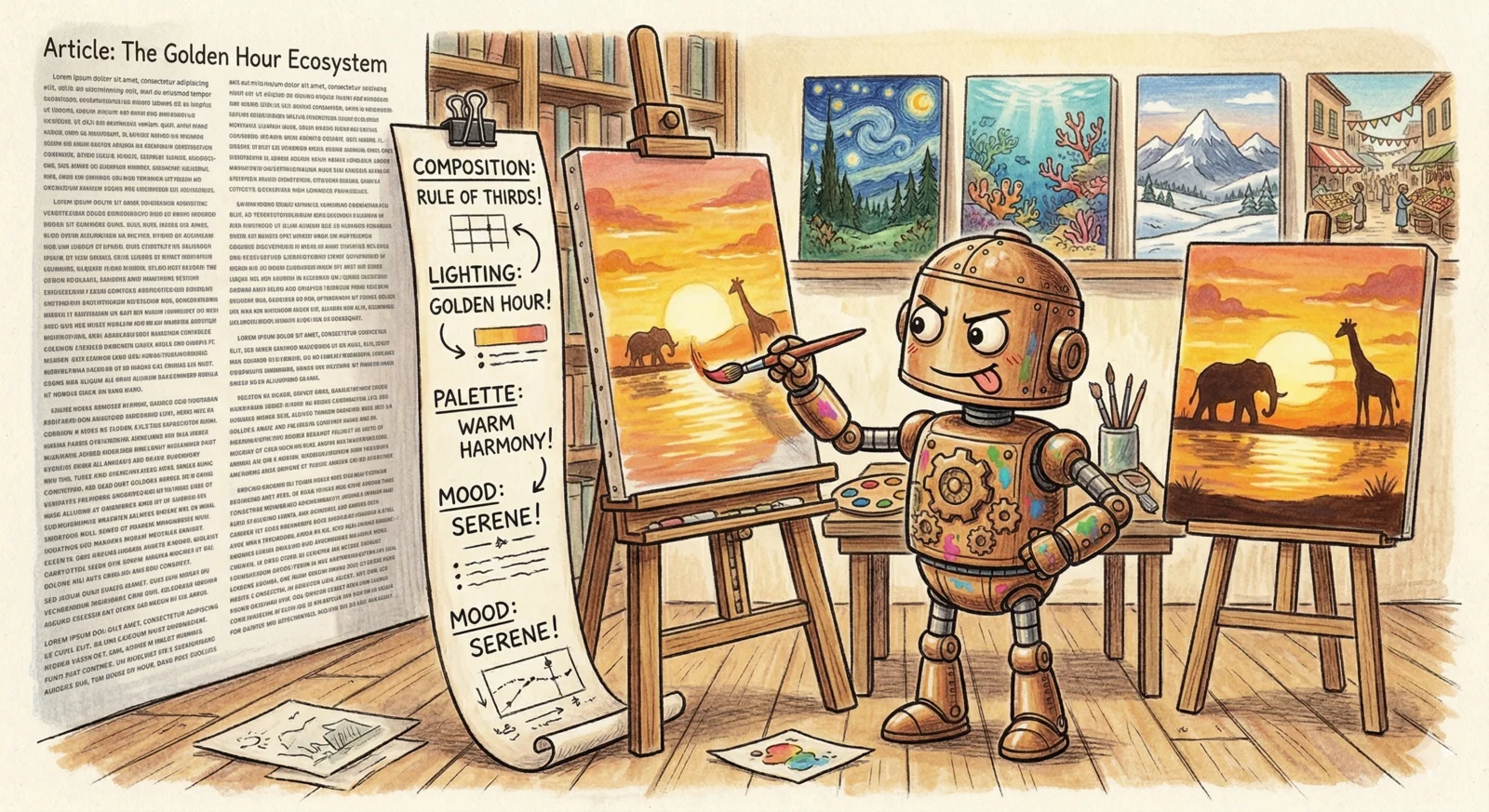
The core problem with naive image generation is the prompts. Most AI-assisted image workflows produce one-liner prompts: "a cat and a dog sitting together". These produce generic stock-photo results.
What makes a good image generation prompt is specificity: composition, lighting, color palette, mood, what to avoid, whether to use photorealistic or cinematic style. A skilled photographer or art director thinks about all of these. An LLM can too — if you ask it to.
So the ImagePlannerAgent reads the final harmonized article and produces 80–150 word prompts per image, structured like a cinematographer's shot description:
Primary subject: Two animals in silhouette against a golden sunset window
Composition: Wide shot, rule of thirds, animals at left frame
Lighting: Warm backlight, dust motes visible in beam
Color palette: Amber, ochre, deep shadow
Style: Cinematic documentary photography
Mood: Intimate, still, ancient companionship
Setting: Simple domestic interior, minimal furniture
Avoid: Text, logos, human faces, clutter
I wrote the system prompt to enforce this structure — not just "describe the image" but specifically enumerate each visual dimension. The difference in output quality between a one-liner and a structured 120-word prompt is not subtle.
The agent uses the placement field to anchor each image:
"Article header"→ hero image, always 16:9"After: The Bond"→ content image after that section, always 4:3
The Third Human Gate
The system already had two human gates: query review and angle selection. The image prompts needed a third — not because I don't trust the agent, but because image generation has real cost and real irreversibility. Once you've generated four images, you've spent the money regardless of whether you like them.
The approval UI shows a table of all proposed images with a preview of each prompt, and supports:
| Command | What it does |
|---|---|
a | Approve all, generate |
1 3 | Toggle specific images on/off |
s 2 | Show full 120-word prompt for image #2 |
e 2 | Edit the prompt inline before generating |
r | Discard all — call the agent again with a fresh article read |
q | Skip image generation entirely |
The r option was the one I thought I wouldn't need. I used it on every test run. Seeing the prompts in the table almost always made me want to tweak the angle for at least one image. Having the agent regenerate from scratch occasionally produced a completely different framing that was better. The loop — generate prompts, review, regenerate if needed, approve — felt right.
Gemini Flash for Image Generation
The provider choice was easy: I already use Google's genai SDK for Gemini text, and Gemini Flash's image generation is available through the same SDK with the same API key. No new dependency, no new credential management.
1response = await client.aio.models.generate_content(
2    model="gemini-2.0-flash-preview-image-generation",
3    contents=[prompt],
4    config=types.GenerateContentConfig(
5        safety_settings=[...],
6    ),
7)
8for part in response.parts:
9    if image := part.as_image():
10        return image.image_bytes
The output goes to images/main.png, images/content_1.png, etc. The original final/article.md is never modified.
The image placement is actually a second LLM call inside the ImagePlannerAgent — not a regex over headings. After generating the prompts, the agent sends the full article back to the model with a layout brief: place <!-- IMAGE:id --> tags between paragraphs at natural visual break points, never in the middle of a sentence, distribute evenly. The model returns the article with tags inserted — stored as article_with_placeholders. Then after the images are actually generated, those placeholder tags get replaced with real Markdown image links to produce final/article_with_images.md. The hero image ends up at the top; content images land where the article naturally pauses — which an LLM judges better than any heading-distance heuristic would.
The Pipeline Debt I Discovered
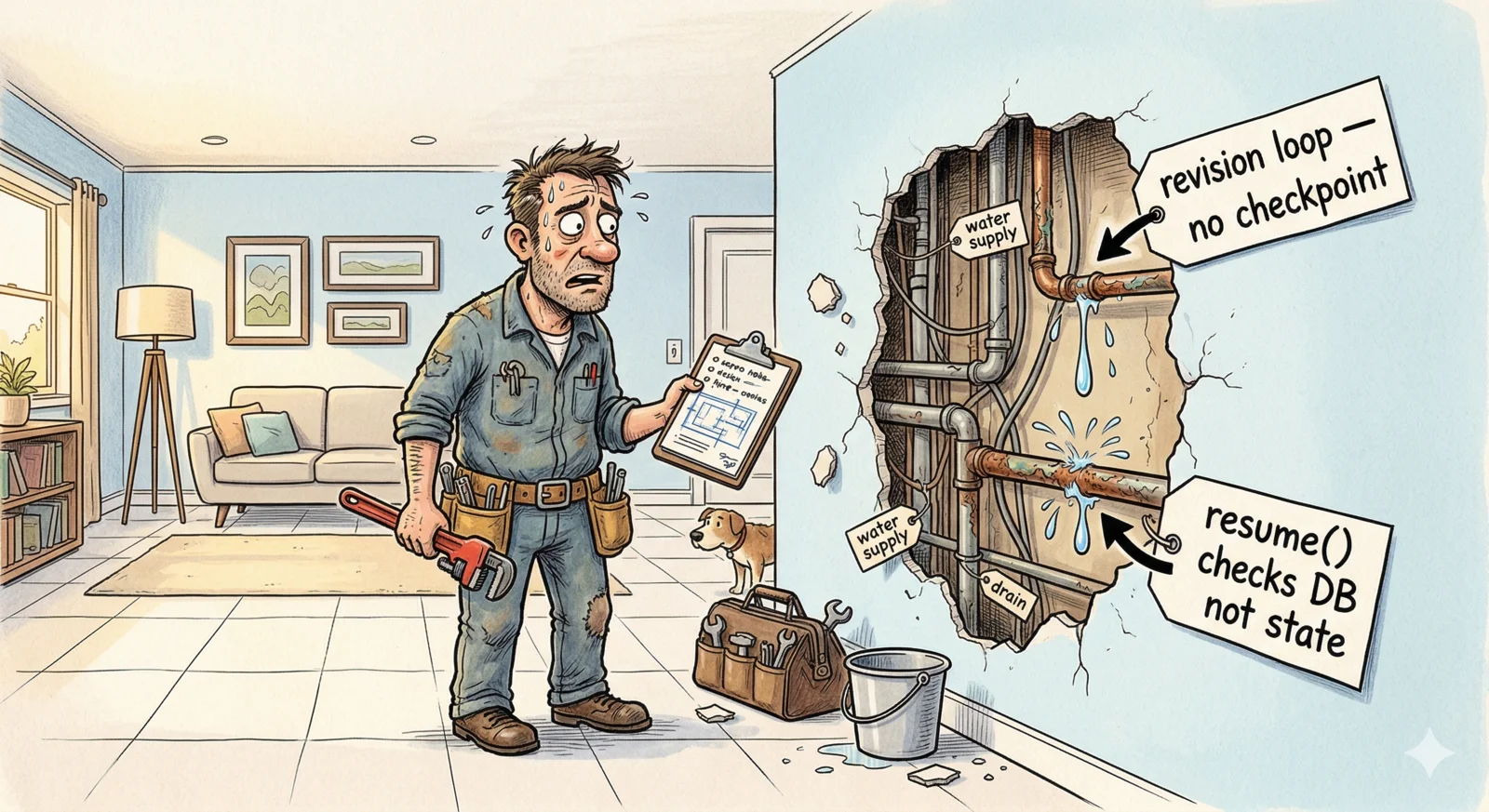
Here's what I didn't expect: adding the image phase exposed bugs in the resume system that had been hiding since the beginning.
Bug 1: The review loop had no checkpoint guard.
Every pipeline phase had a flag: queries_approved, merged_research, plan, assembled_draft, final_article. When a resume call came in, each phase checked its flag and skipped if already done.
The review/revision loop had no such flag. It just... ran every time. I'd never noticed because orch.resume() had its own DB-based early-exit that short-circuited on completed jobs. But when I added --from images (which calls orch.run() directly to bypass that short-circuit), suddenly every resume was re-running three supervisors and potentially triggering another revision round before reaching the image phase.
The fix was a revision_complete: bool field in state:
1if not state.revision_complete:
2    for round_num in range(1, self._max_revision_rounds + 1):
3        ...
4    state.revision_complete = True
5    state.save_to(state.project_path)
One field. But finding it required understanding why the resume flow had two separate entry points (run vs resume) and what each one checked.
Bug 2: orch.resume() checked the DB, not the state.
When you add --from images, you clear the image checkpoint flags in memory and want the pipeline to re-run from that phase. But orch.resume() checks the SQLite job history for its resume point — and if the job shows as completed in the DB, it returns immediately without running anything.
The fix: when --from is specified, call orch.run() directly instead of orch.resume(). The state flags are the source of truth; the DB is just the index.
1run_fn = orch.run if from_stage else orch.resume
2await run_fn(state, job.id)
Both bugs existed from the beginning. They were invisible until I started doing multi-stage resumes. Pipeline debt is real — it just doesn't show up until you add the feature that stresses the seam.
What Else Changed in the UX
Beyond images, this session added three things that changed how the pipeline feels to use.
The voting breakdown table.
Before this session, the review phase told you: "Sections to revise: section_4_better_than_humans." That's it. You had no idea which supervisor flagged it, what their score was, or why.
Now you get a full table after every round:
  Section                    anthropic    google    openai    Avg
  ──────────────────────────────────────────────────────────────
  Introduction               ✓ 8.5       ✓ 9.2    ✓ 8.9    8.9   pass
  Better Than Humans         ✗ 7.5       ✓ 8.2    ✗ 7.8    7.8   revise
And during revision, you see exactly who flagged it and what they said:
  → Revising Better Than Humans via section_writer (gemini-2.5-pro)
    ✗ anthropic [7.5]: Claims too absolute — needs citations…
    ✗ openai [7.8]: Disconnected from the emotional tone…
This should have been there from the start. When the system revises something, you should know why.
--from for targeted re-runs.
1agentic-writer resume <job-id> --from images     # redo images, keep article
2agentic-writer resume <job-id> --from harmonize  # redo harmonize onwards
3agentic-writer resume <job-id> --from images --archive  # move old images to archive first
The --archive flag moves existing output to a timestamped subfolder before regenerating. Non-destructive by default, with an easy escape hatch if you want to compare old and new versions.
Cross-session usage tracking.
Each pipeline run appends its token and image usage to projects/<job>/usage.json. When a job spans multiple sessions, the end-of-run summary shows both:
              This Session
  google     gemini-2.0-flash           4 images    $0.1600

              All Sessions Combined (2)
  anthropic  claude-sonnet-4-6         24 calls    $1.0382
  google     gemini-2.5-pro            16 calls    $0.4795
  google     gemini-2.0-flash           8 images    $0.3200
  ────────────────────────────────────────────────────────
  Total                                            $1.8377
Gemini Flash image generation costs $0.04/image. Four images costs $0.16. Worth knowing before you run the pipeline.
The Lesson From Part 3
The initial two parts built a pipeline that produced good articles. This part made it produce publishable ones.
But the more interesting lesson was about where complexity hides. The image pipeline itself was straightforward — new agent, new provider, new CLI flags. What wasn't straightforward was the resume system, which had accumulated assumptions about how it would be called that broke the moment I added a new calling pattern.
Every time you add a feature to a pipeline, you're also stress-testing the assumptions baked into every earlier feature. Sometimes those assumptions hold. Sometimes you find out they were always wrong — they just never mattered before.
That's not a reason to over-engineer things upfront. It's a reason to have good checkpointing, clear state semantics, and tests for your resume paths. The pipeline debt was real, but it was also fixable — and finding it made the system meaningfully more robust.
The system was now producing articles with images, reviewing them with visible reasoning, and resuming cleanly from any phase. The last thing it couldn't do: turn a project folder full of Markdown and PNGs into a deploy-ready MDX file and publish it. That's Part 4.
The articles this pipeline produces are published at blueandyeliwrite.com.